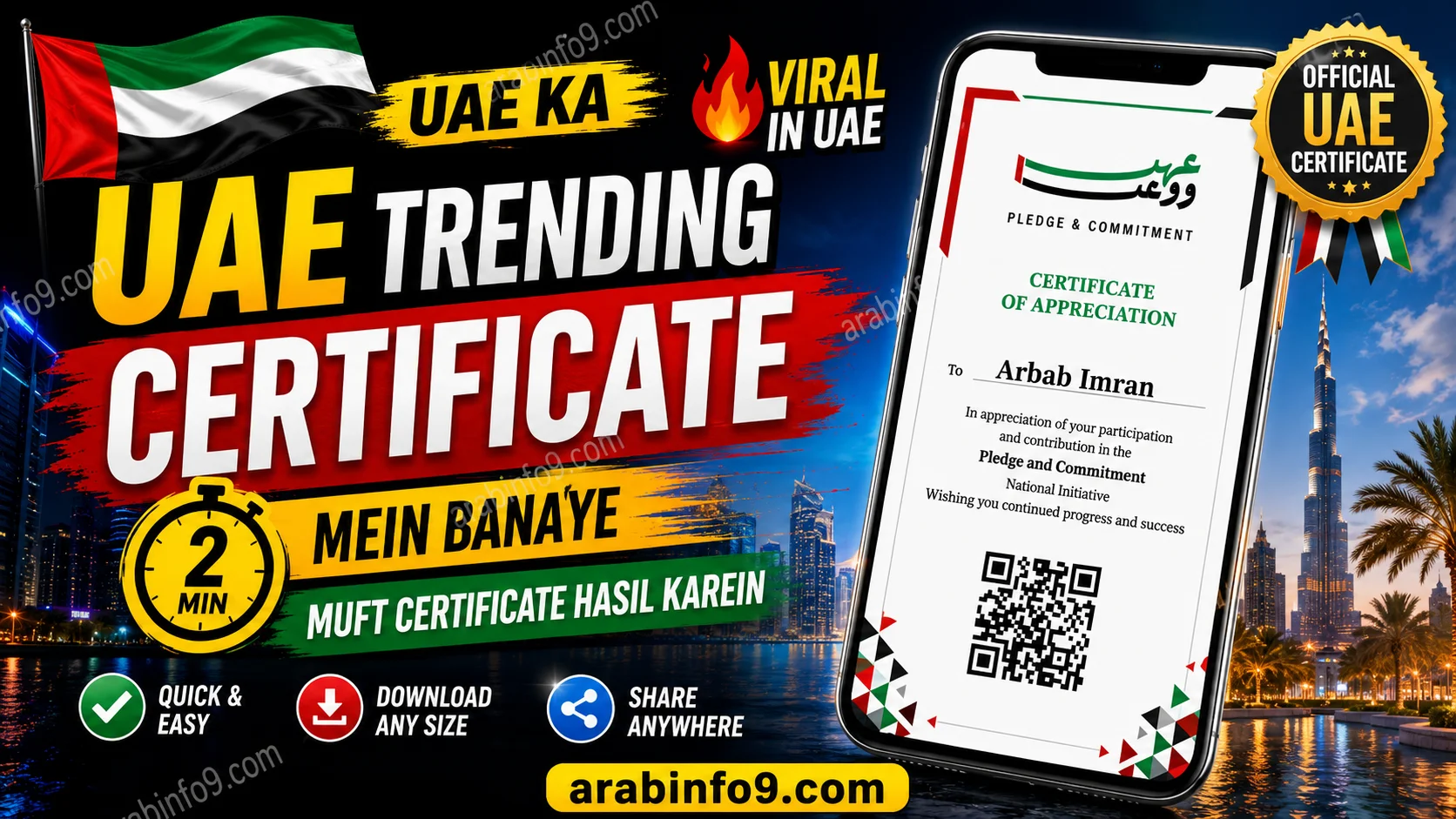
Creating and downloading your Pledge Certificate online is quick and easy. In this guide, we’ll walk you through the complete process exactly as shown in the video, so you can generate your certificate within a few minutes.
Whether you want to save it for your records or share it on social media, just follow the simple steps below.
Step 1: Open Your Browser
First, open any web browser on your mobile phone, such as Chrome, Safari, or Edge.
In the search bar, type:
play.ae
Search for it, and the official website will appear in the search results.
👉 Official Website: https://play.ae
Certificate Form
Enter your details to generate your official certificate
Your Certificate
Step 2: Open the Website
After opening the website, scroll down until you find the certificate form.
You’ll be asked to enter:
- Your Full Name
- Your Email Address (Gmail, Yahoo, Outlook, or any valid email)
Make sure the information is entered correctly.
Step 3: Select “No” in the Second Option
Below the email field, you’ll find another option.
Simply select “No” as shown in the video.
Once you complete this step, your Pledge Certificate will be generated automatically.
Step 4: Download Your Certificate
After the certificate is created, you’ll see two download options:
- TikTok Size (Vertical Format) – Perfect for sharing on TikTok, Instagram Reels, and Stories.
- Standard Size – Suitable for printing or sharing normally.
You can download either one—or download both if you like.
Step 5: Find Your Downloaded Certificate
After downloading:
- Go back to your browser.
- Tap the three-dot menu in the top-right corner.
- Open Downloads.
- Your certificate will be available there.
You can now view, share, or print it whenever you need.
Helpful Resources
For more official information, you may find these resources useful:
- Play.ae Official Website: https://play.ae
- Google Chrome Help – Download Files: https://support.google.com/chrome/answer/95759
- Android Help Center: https://support.google.com/android
- Apple iPhone User Guide: https://support.apple.com/guide/iphone
Frequently Asked Questions (FAQs)
Is the Pledge Certificate free?
Yes. As demonstrated in the video, you can generate and download the certificate online without any complicated process.
Can I use any email address?
Yes. You can use Gmail, Yahoo Mail, Outlook, or any valid email address.
Which certificate size should I download?
If you’re planning to post it on social media, the TikTok version is recommended. For printing or regular sharing, choose the standard size.
Where can I find my downloaded certificate?
Open your browser’s Downloads section by tapping the three-dot menu, and your certificate will be there.
Final Thoughts
Creating a Pledge Certificate online is simple and only requires your name and email address. After submitting the form, you can instantly download the certificate in your preferred format and access it anytime from your Downloads folder.
If this guide helped you, consider sharing it with others who may also need assistance creating their Pledge Certificate.